
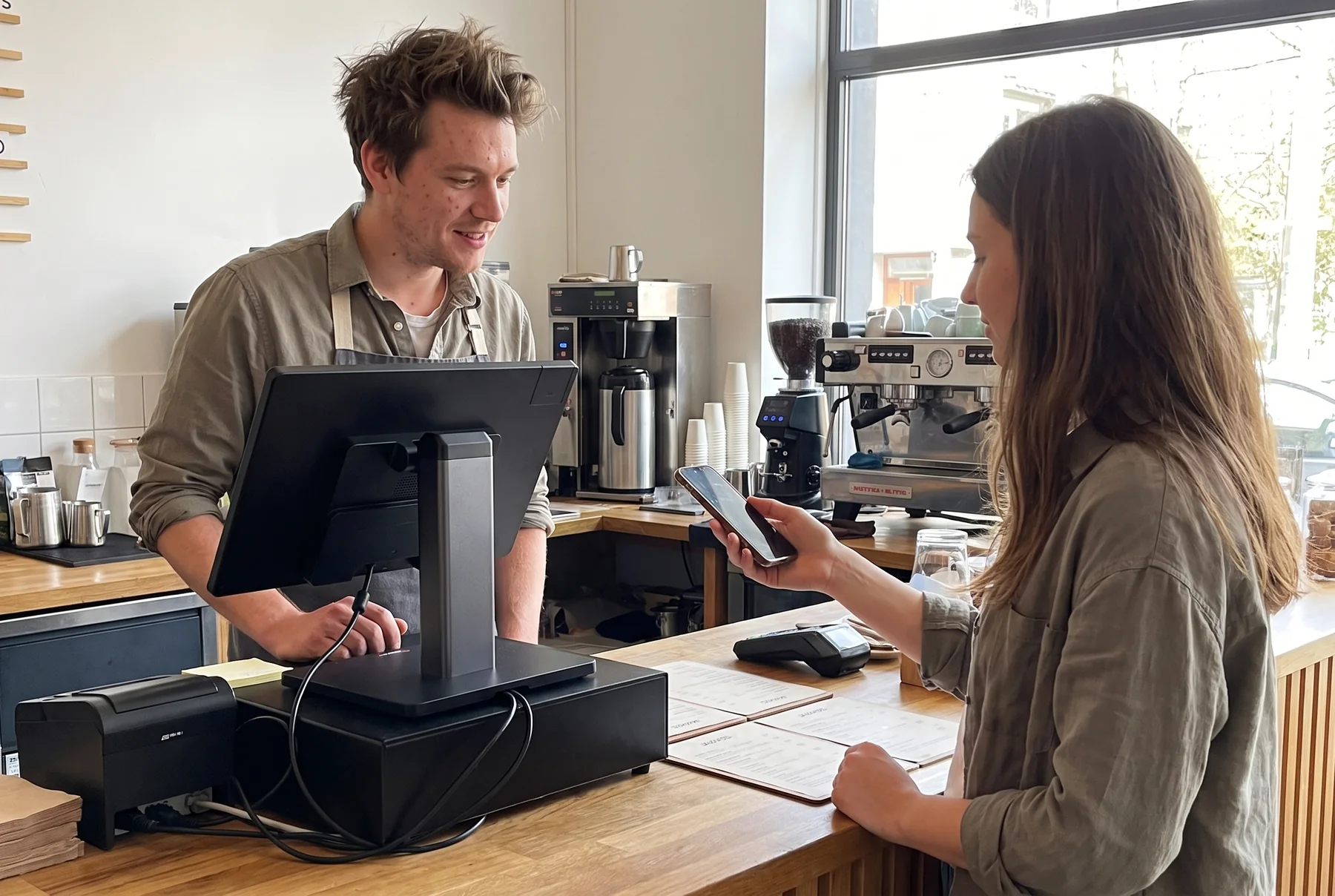
Customers
Customer profiles, purchase history, loyalty rewards, promotions, and gift cards, all tied to the sale at checkout.
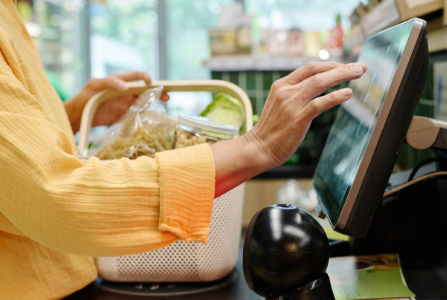
Ring up items by tap, search, or scan, apply modifiers and discounts, take the card, and hand over the receipt. Every sale is recorded once and feeds inventory and reporting on its own.
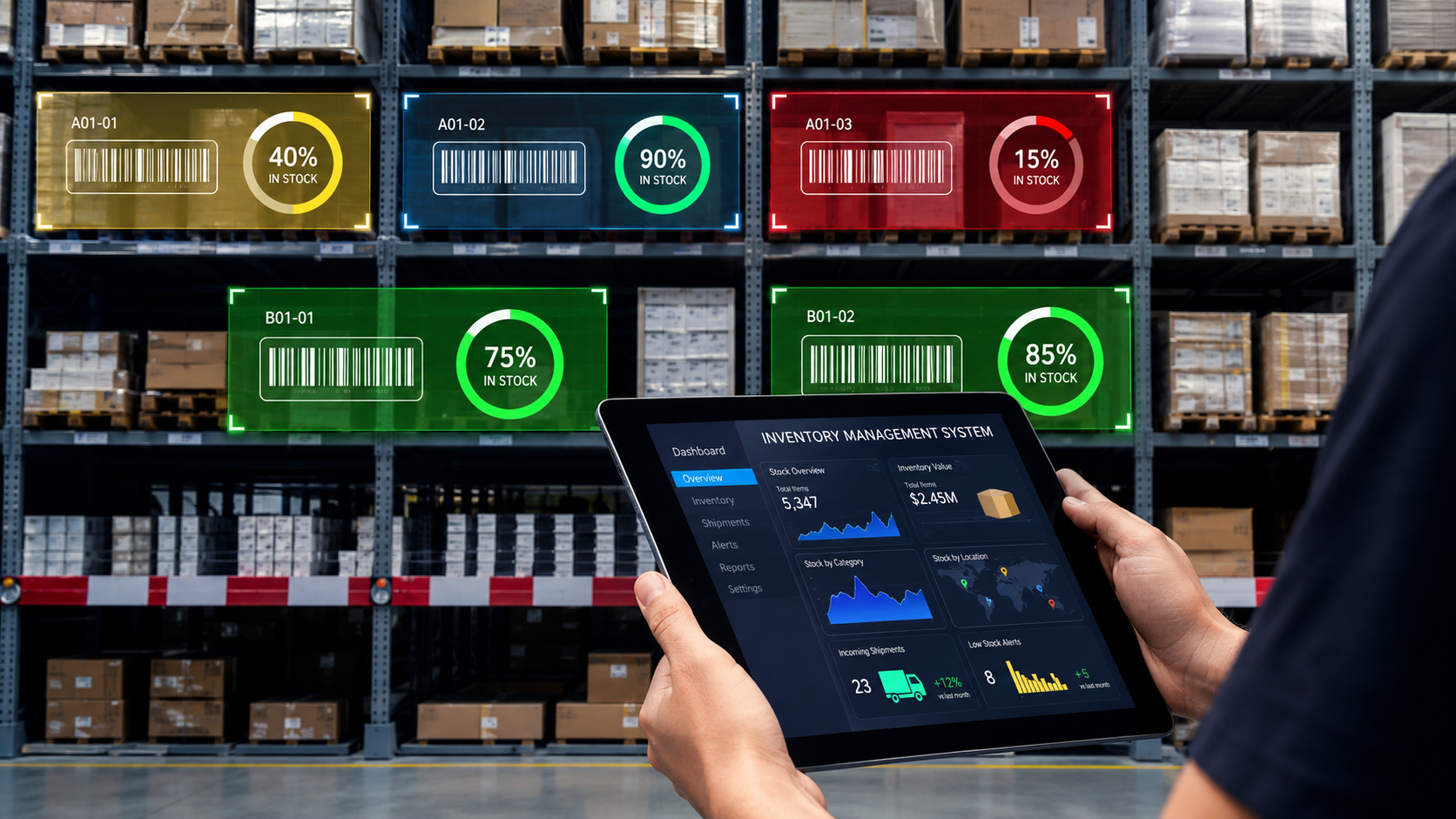
Stock levels move with every sale. See what is on hand, adjust counts from the admin panel, and spot your top sellers and slow movers without a separate inventory app.
Today's sales, top items, peak hours, staff activity, and payment methods, built from the same records your checkout writes. Open them on the terminal, a laptop, or your phone.

Customer profiles, purchase history, loyalty rewards, promotions, and gift cards, all tied to the sale at checkout.
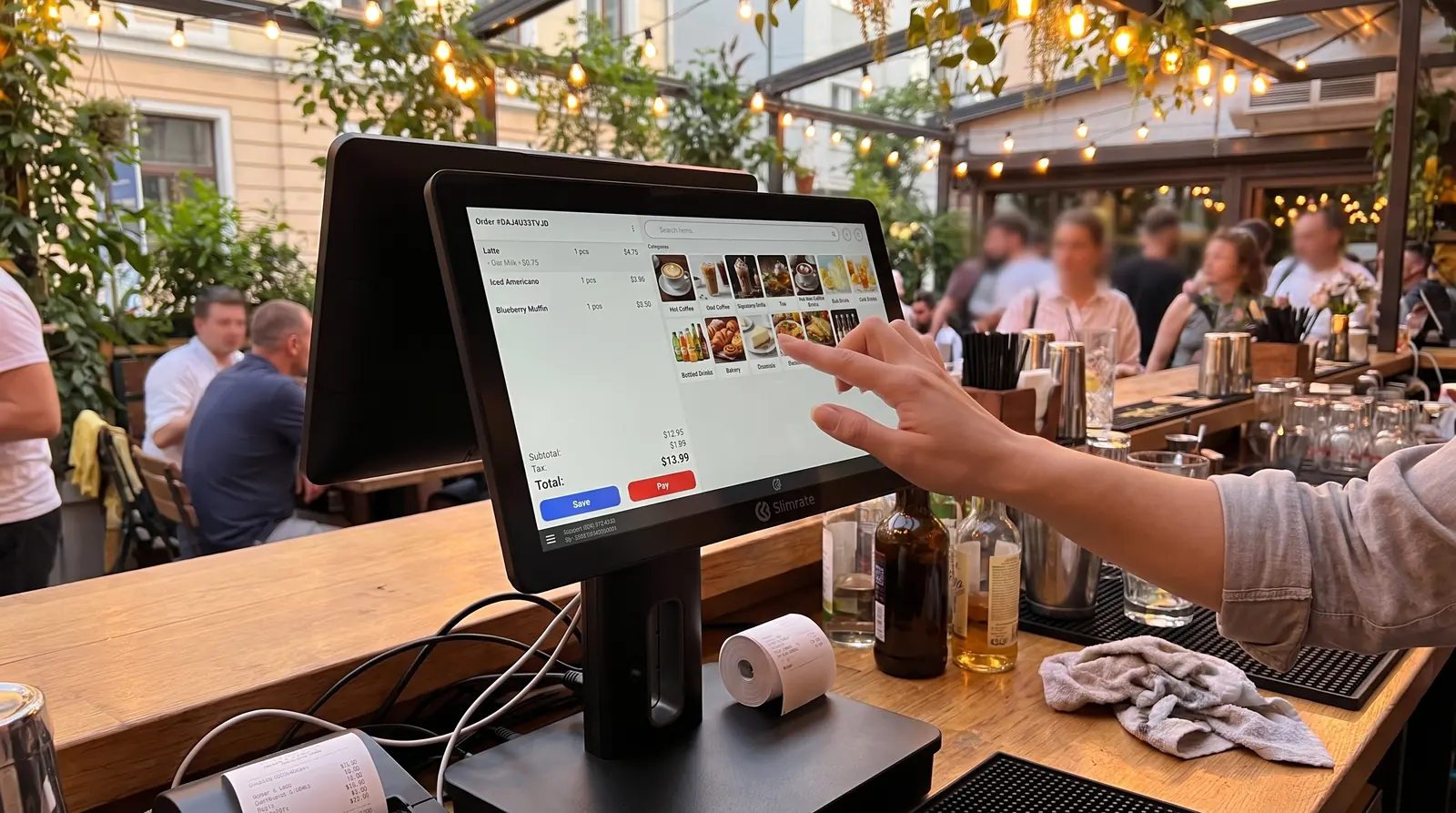
Arrange the checkout screen the way your team works, and talk to us about workflows that need more than a setting.
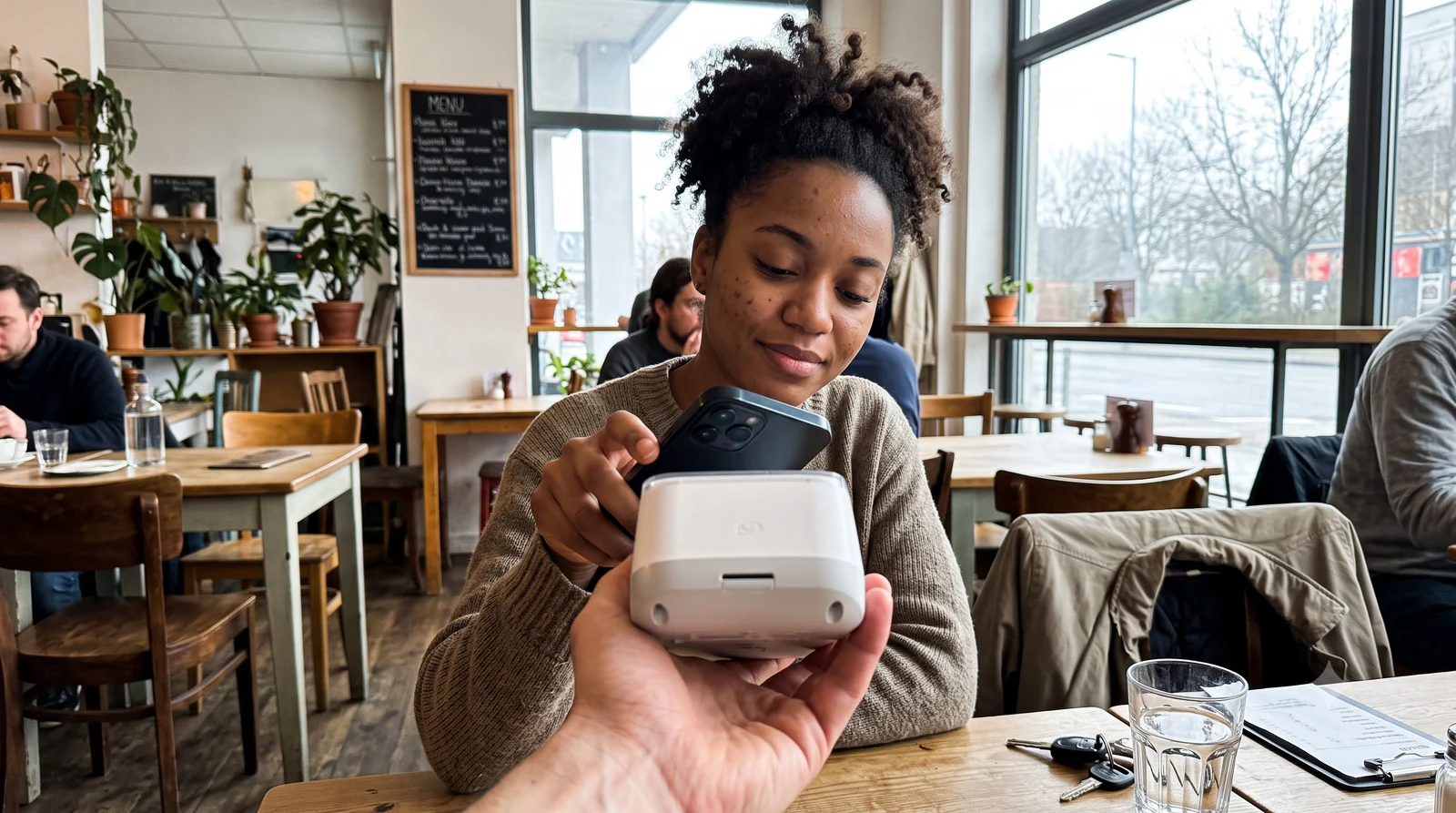
Card, contactless, and mobile-wallet payments through Slimrate, so the payment step is part of the sale.
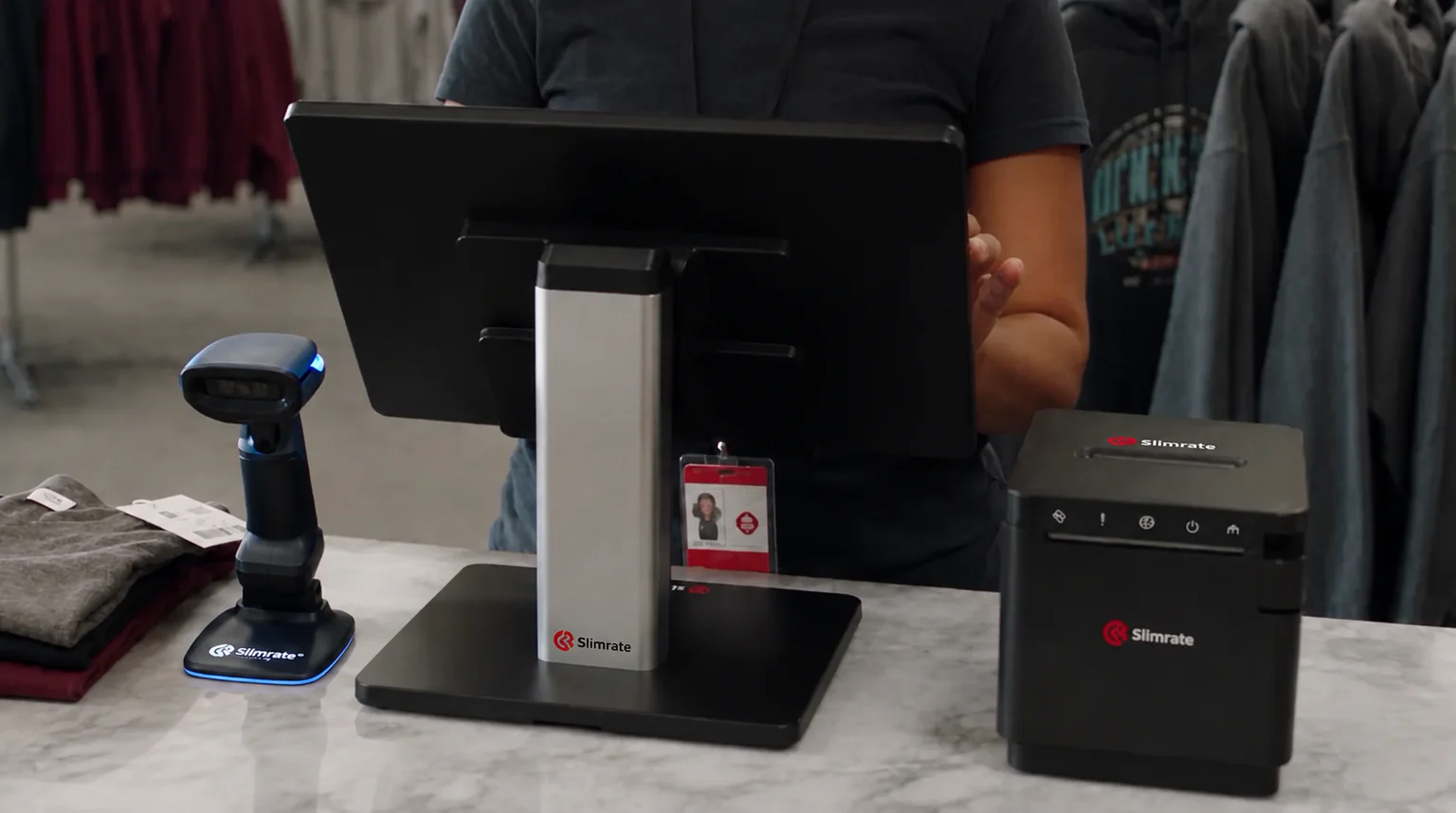
Terminals, customer displays, payment devices, printers, scanners, drawers, and scales from our own catalog.
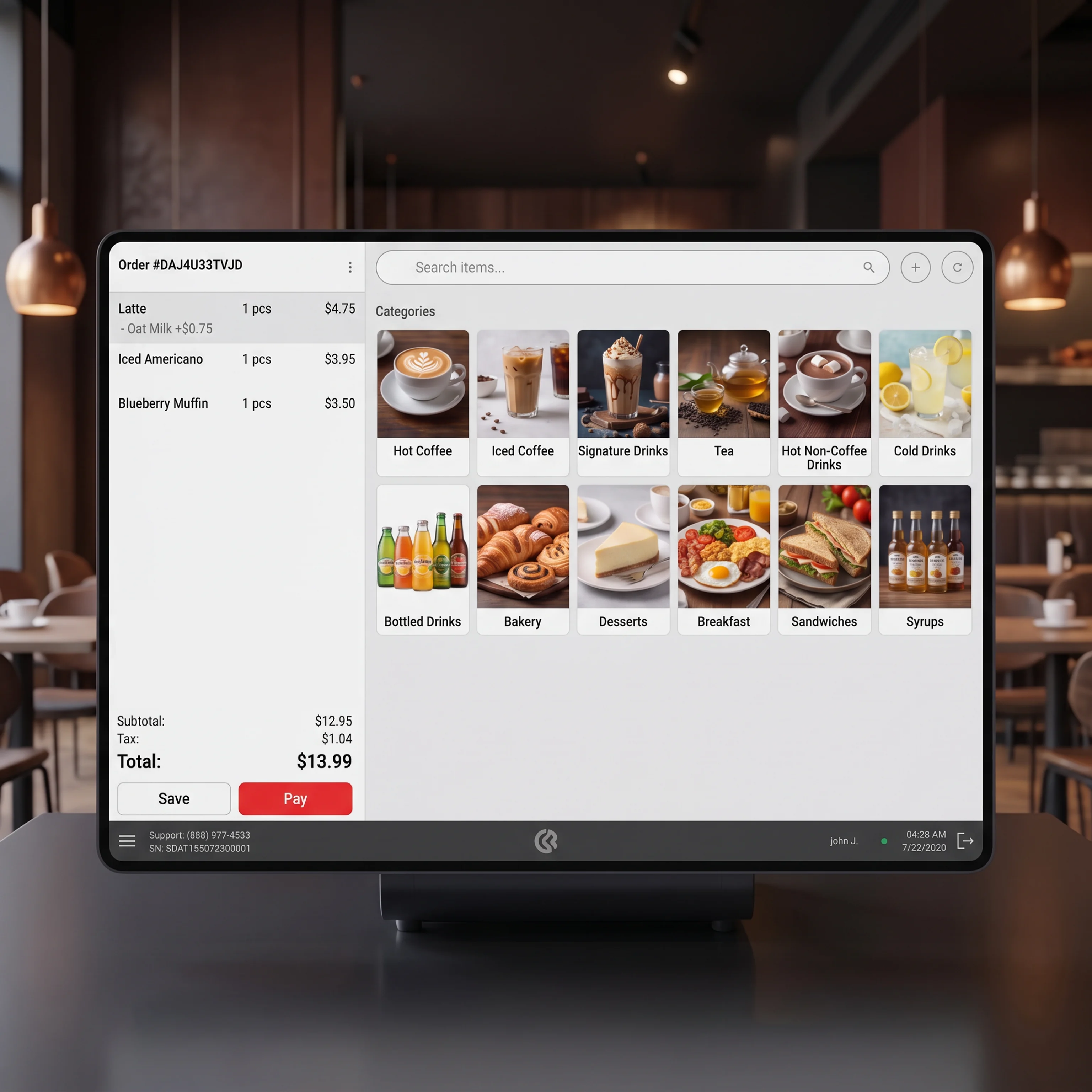
See how a sale moves from tap to payment to receipt, and why the line keeps moving when it gets busy.
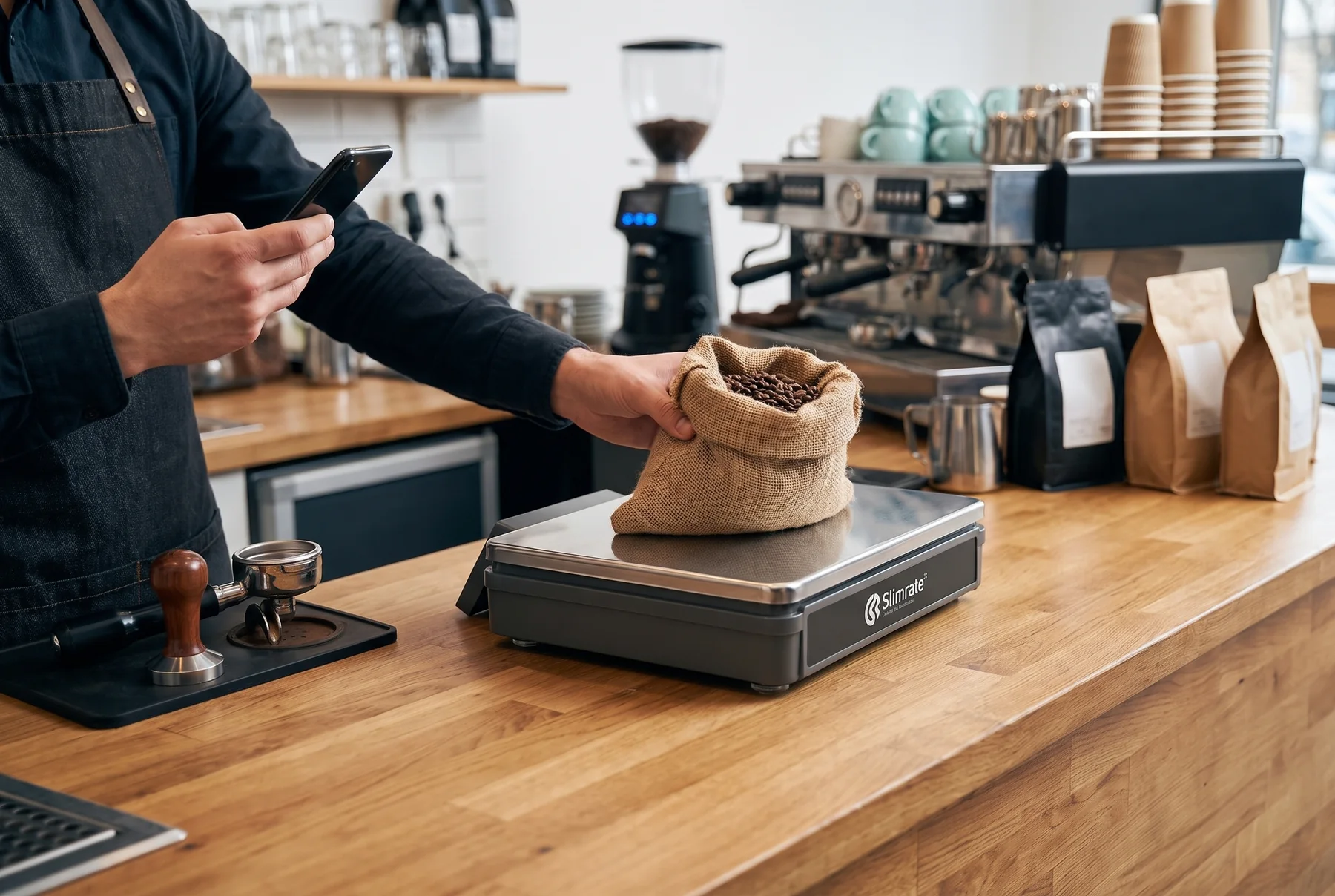
Sales, stock, and reports on your phone, live from the same system, for when you are not at the counter.
Tell us how you sell, and a Slimrate specialist will walk you through checkout, inventory, and reporting on a working POS, with pricing for your setup.