
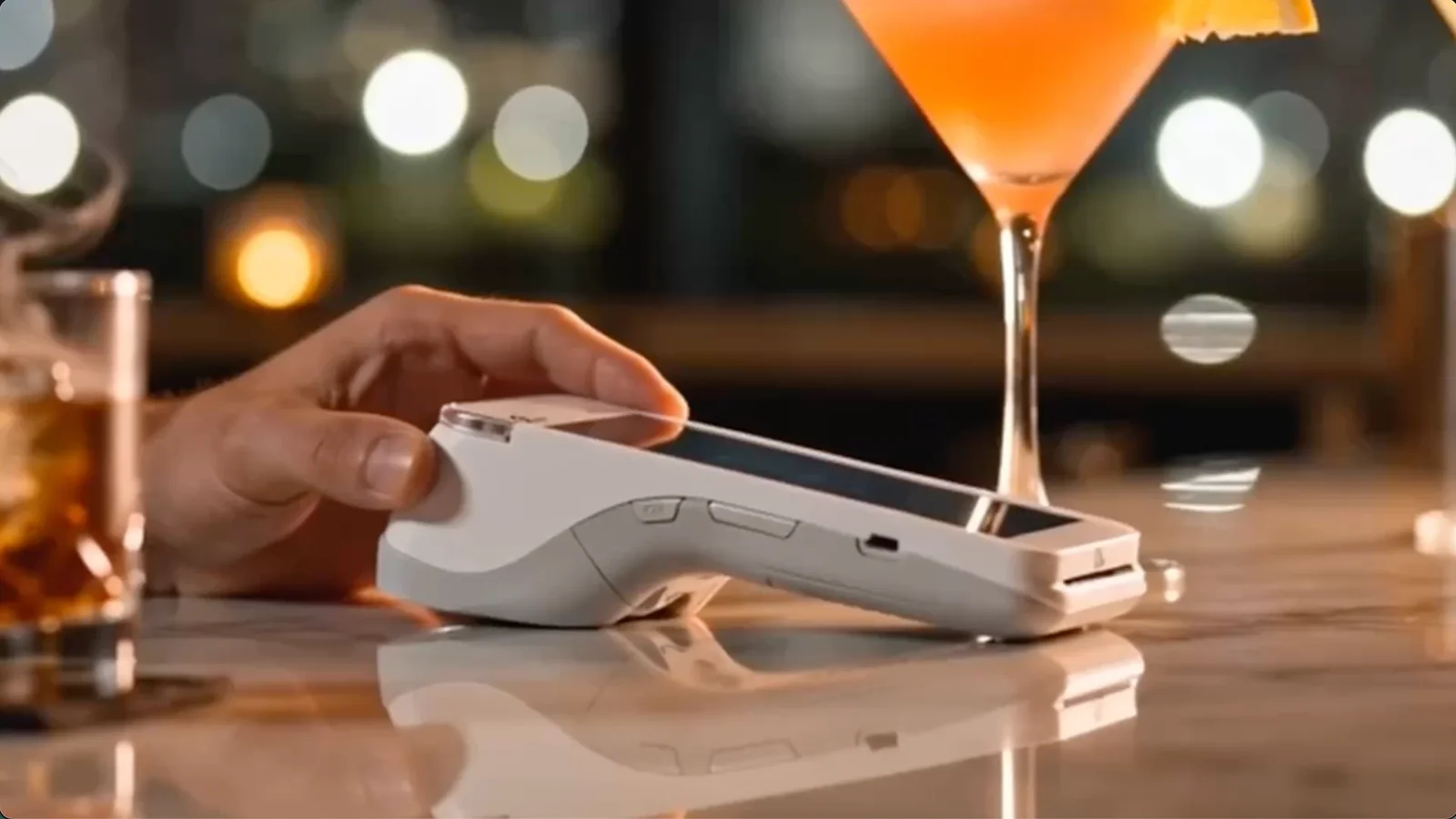
Restaurant POS for fast-moving teams
Orders in, payments taken, tickets in the kitchen, numbers at close. One POS for the counter, the floor, and the back office.
A restaurant POS has to be fast when the line is out the door and clear when the kitchen is slammed. Slimrate handles order entry, tables, payments, kitchen printers, staff, and reporting in one system your team learns once.
Built around restaurant workflows
Fast checkout and ordering
Tap items and modifiers, take payment now or at the end, and send the order to the kitchen from one screen.
Explore fast checkoutPayment processing
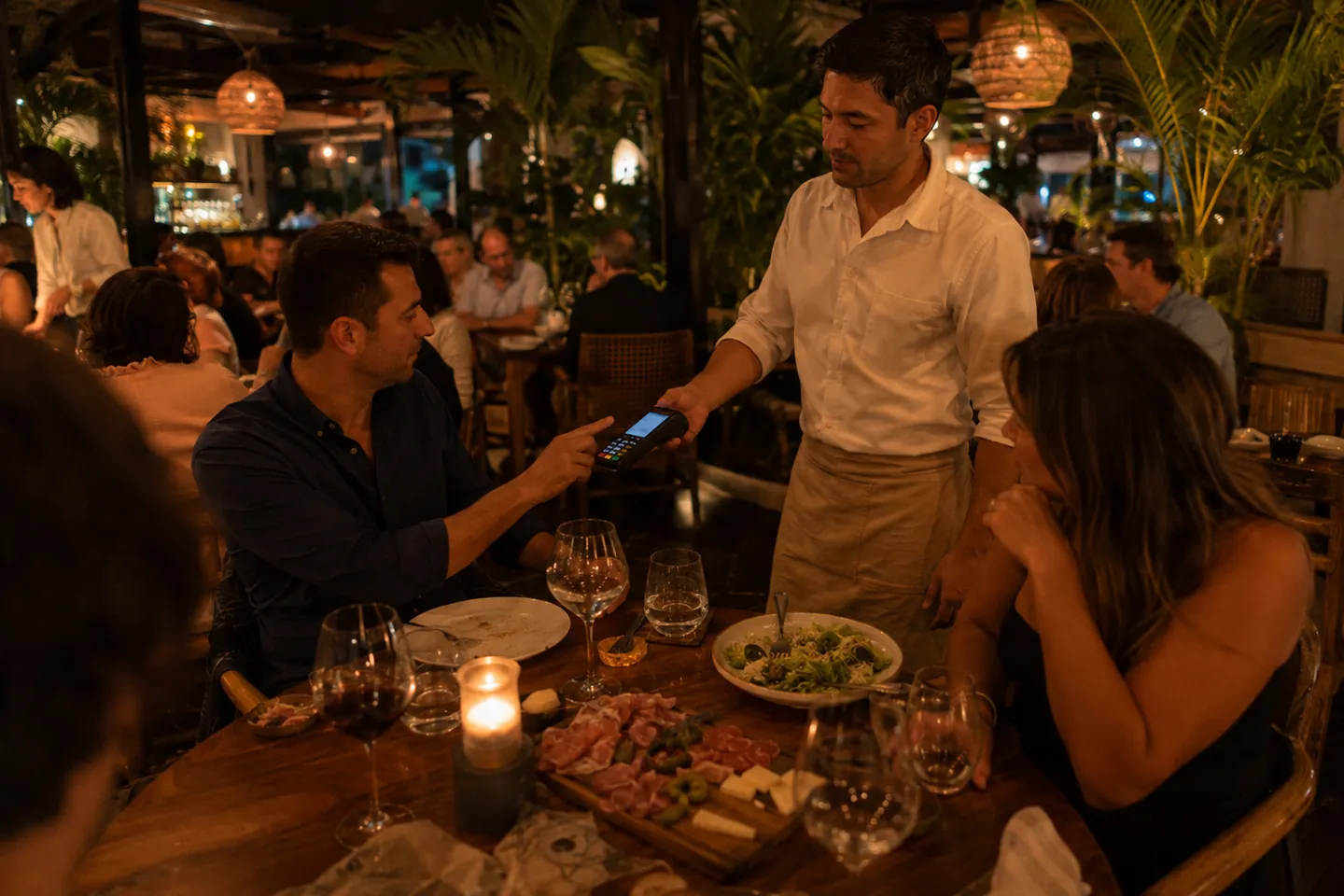
Card and contactless at the counter or at the table, recorded on the same order as the food.
Explore paymentsKitchen tickets
Orders print in the kitchen with modifiers and notes; drinks go to the bar printer, food to the line.
Explore kitchen ticketsStaff visibility
Individual logins, roles, shifts, and sales per employee, so you know who was on and what they sold.
Explore employee managementReporting
Tonight’s sales, top dishes, peak hours, and staff performance, ready at close.
Explore reporting and analyticsCustomer tools
Regulars earn points on every order and spend them at checkout; gift cards ring up by number.
Explore loyalty and crmKeep service moving from order to payment
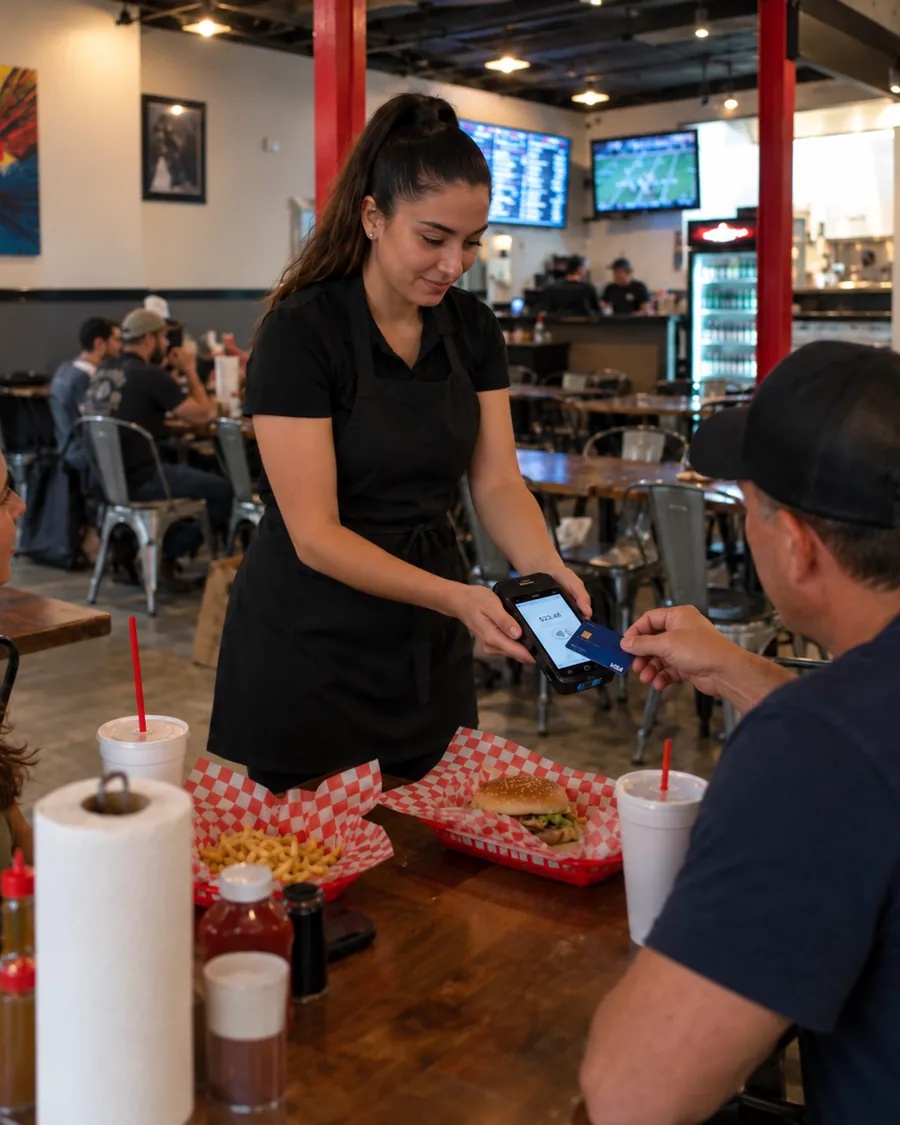
Counter or table service, the flow is the same: open the order, add items and modifiers, send it to the kitchen, close it out when the guest is ready.
- Tables and open tabs, with split and merge when parties change
- Modifiers, notes, and course timing on every ticket
- Registers stay in sync over the local network, so any terminal can close any order
- Print the receipt, or email the order to a customer on file
A menu the whole team can work fast
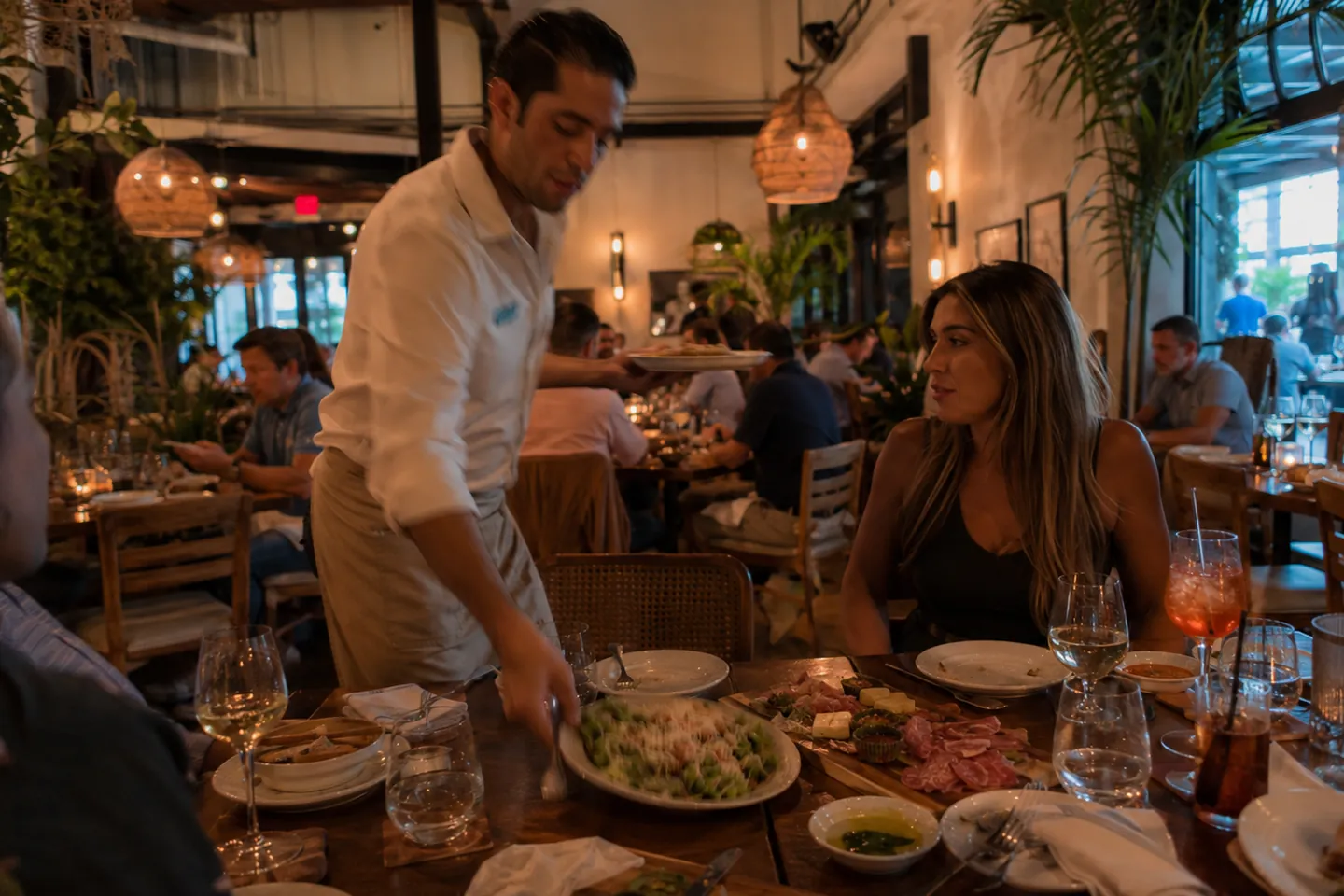
Categories, colors, and modifiers are set up for how your kitchen actually builds each dish, so new staff find items in a tap or two.
- Recipes and ingredients behind menu items, so stock moves with every sale
- Custom items for the off-menu request
- Sales by product report to see which dishes carry the night
- Menu and product lists come in by CSV import
Connected payments for the counter and the table
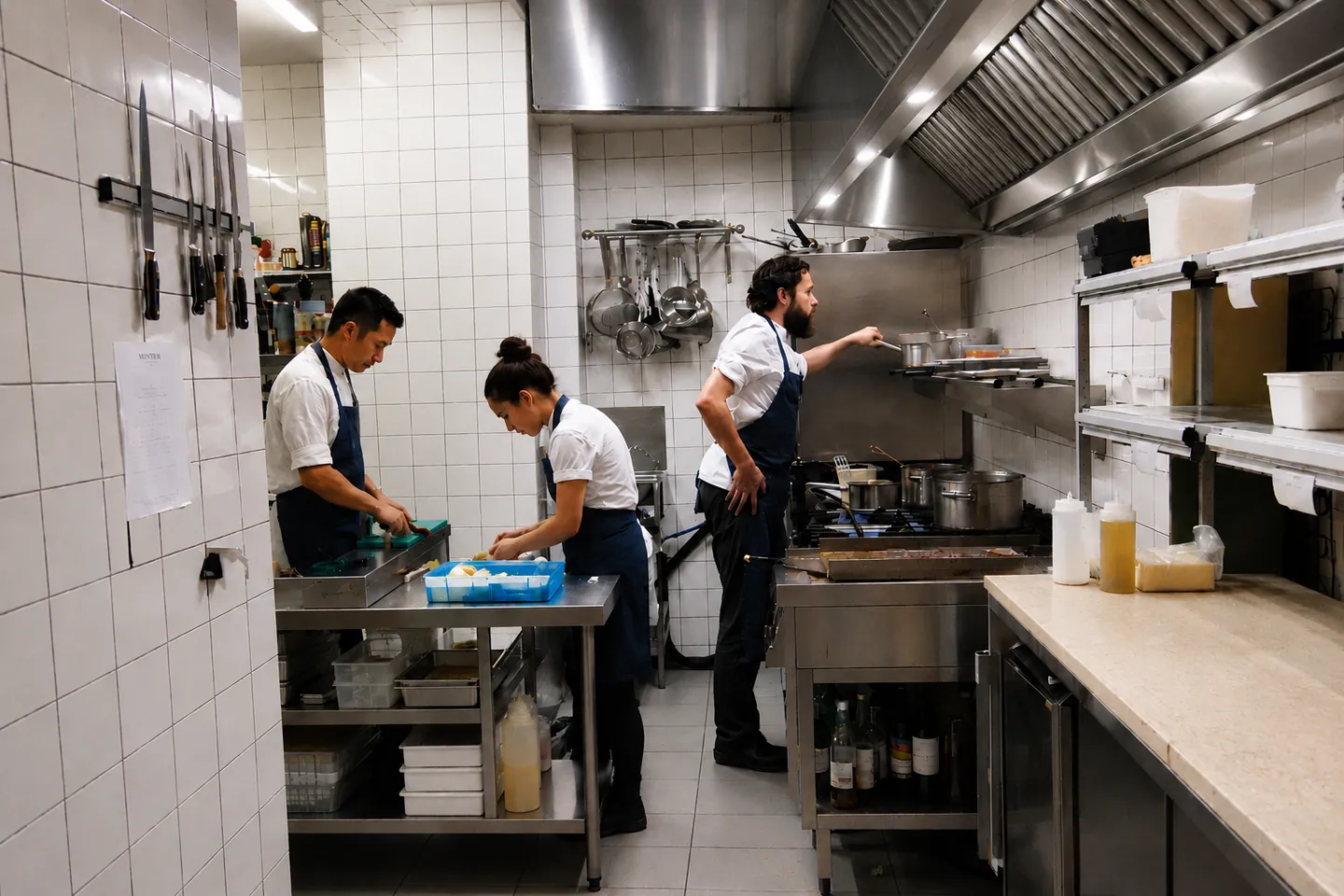
Payments run through Slimrate, so every card, cash, and tip lands on the order it belongs to and shows up in the same reports.
- Card and contactless (tap-to-pay) on payment terminals from the Slimrate catalog
- Cash, custom tender types, and dual pricing when you use it
- Full and partial refunds, comps, and voids with a reason on the audit trail
- Tips, taxes, discounts, and refunds broken out in the daily report
- Customers earn points on every sale and spend them at checkout
Hardware for busy counters and kitchens
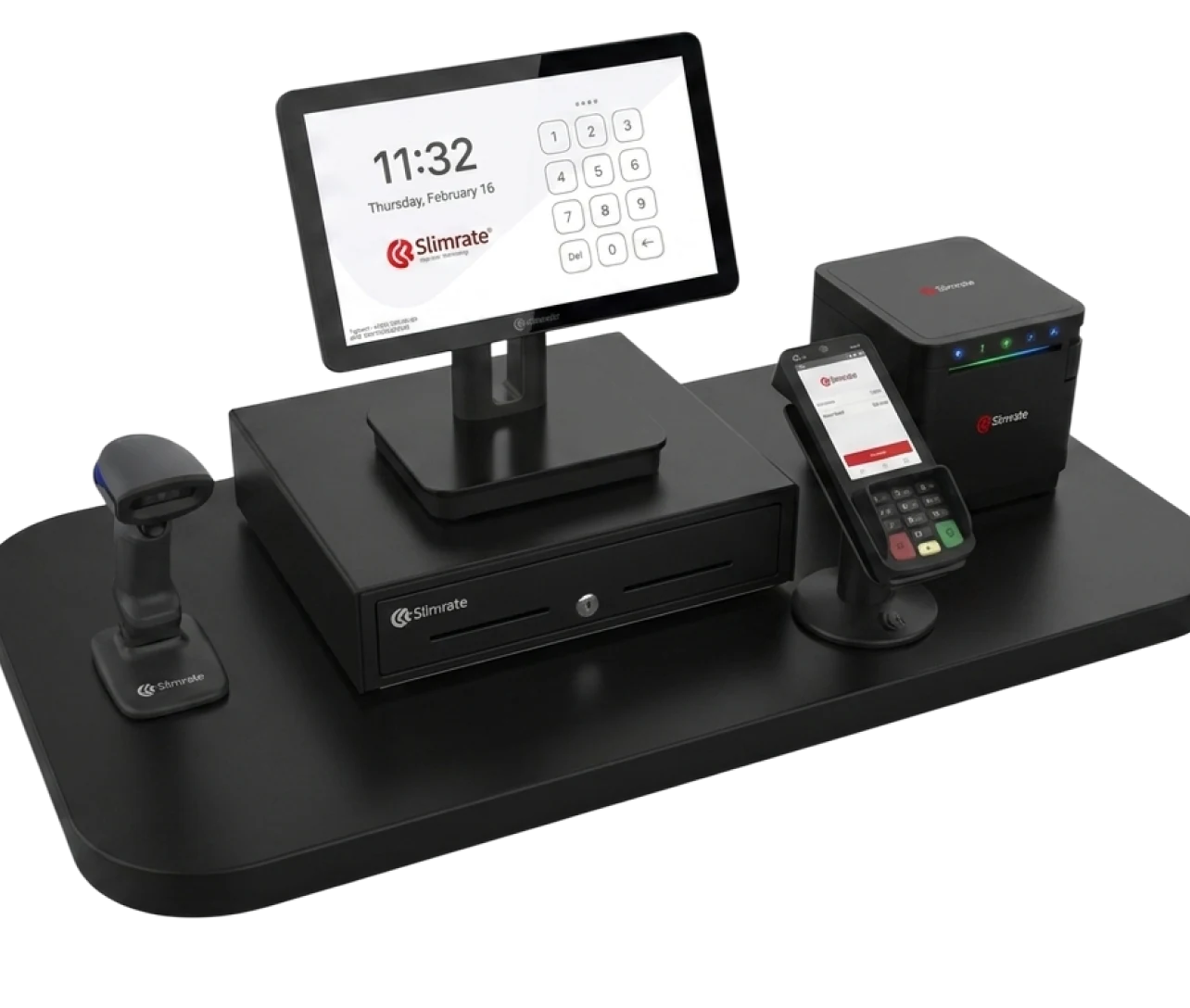
POS terminals, payment terminals, receipt and kitchen printers, and cash drawers from our own catalog, chosen for heat, grease, and constant use.
- 1 × POS terminal
- 1 × Payment terminal
- 1 × Receipt printer
- 1 × Cash drawer
- Handheld scanner, as needed
Switching to Slimrate
Setup is done with you, not handed to you. Four steps from first call to first sale.
Tell us how you sell
Counter or table service, how many stations, what prints where, and what the busiest shift looks like.
We build the setup
Your products, categories, taxes, tender types, and printers are configured by the Slimrate team before the hardware ships. Existing product lists come in by CSV import.
Train the team
Servers, bartenders, and managers learn the register on your menu, with roles and permissions already in place.
Go live with support
The first shifts run with the Slimrate team reachable; the daily report lands in your inbox from night one.
Restaurant POS questions
Does Slimrate work for table service and counter service?
Yes. Orders can be attached to tables and open tabs, split or merged, and closed from any register. Counter-service restaurants use the same order screen without tables.
How do orders reach the kitchen?
Through kitchen printers. Each ticket prints with modifiers, notes, table, server, and time; drinks can route to a bar printer and food to the line. Only new items print when an order is fired again.
Which payments can we take?
Card and contactless (tap-to-pay) through payment terminals from the Slimrate catalog, plus cash and any custom tender type you set up. Refunds, comps, and voids are logged with a reason.
Can each employee have their own login?
Yes. Each employee has a PIN or QR badge login with a role, and reports show sales, tips, and activity per employee. Refunds and discounts can be limited to the roles you allow.
What does setup involve?
Slimrate configures your products, categories, taxes, tender types, printers, and staff before the hardware ships, trains the team on your own setup, and stays reachable through the first days.
Ready to build your restaurant POS setup?
Tell us about your restaurant, counter or table service, and how busy it gets. We will show you ordering, payments, and kitchen tickets on a live setup.