
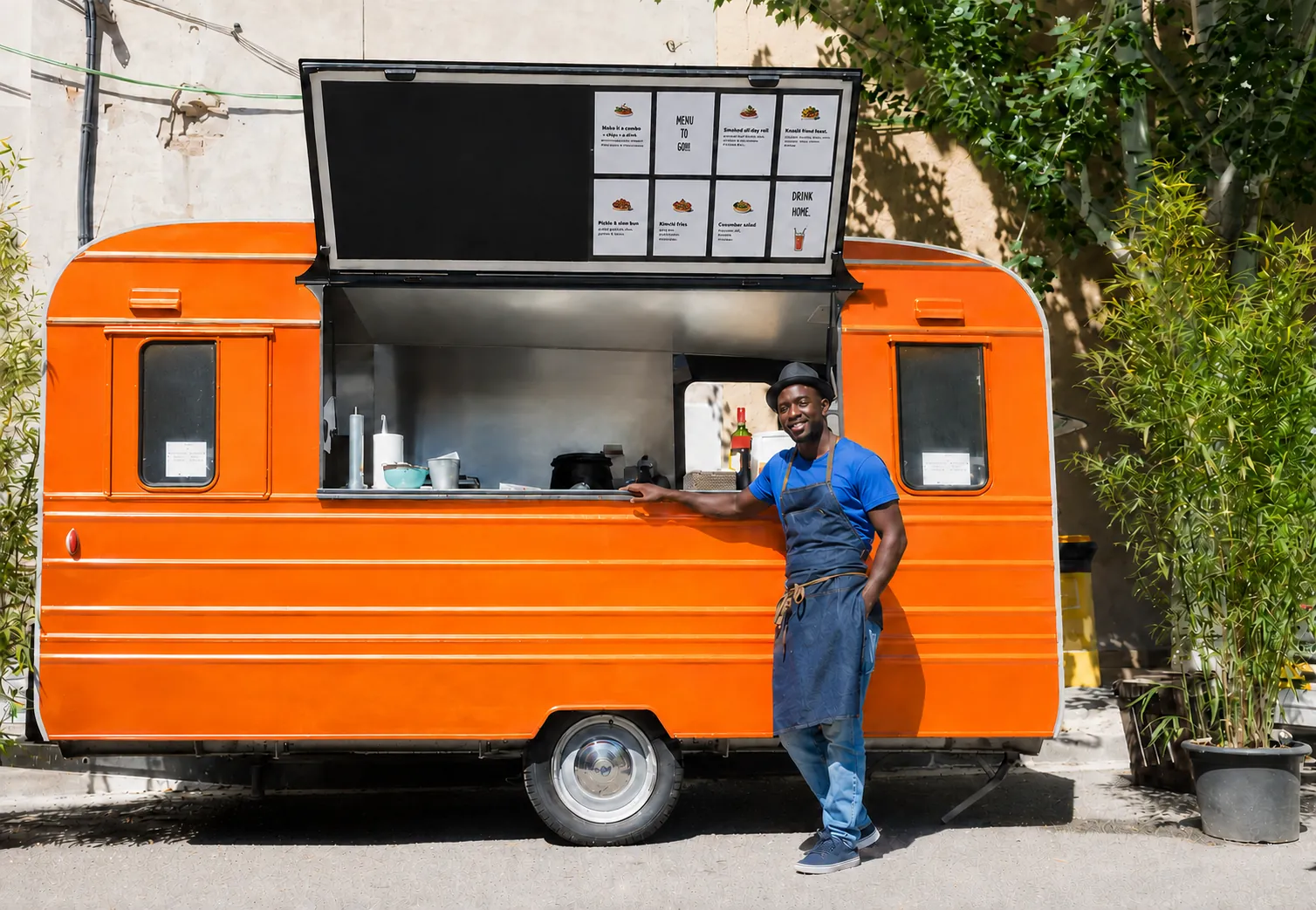
Food truck POS that fits in the window
One compact terminal, one payment device, a printer for the cook. Ring walk-up orders fast and know what each stop sold.
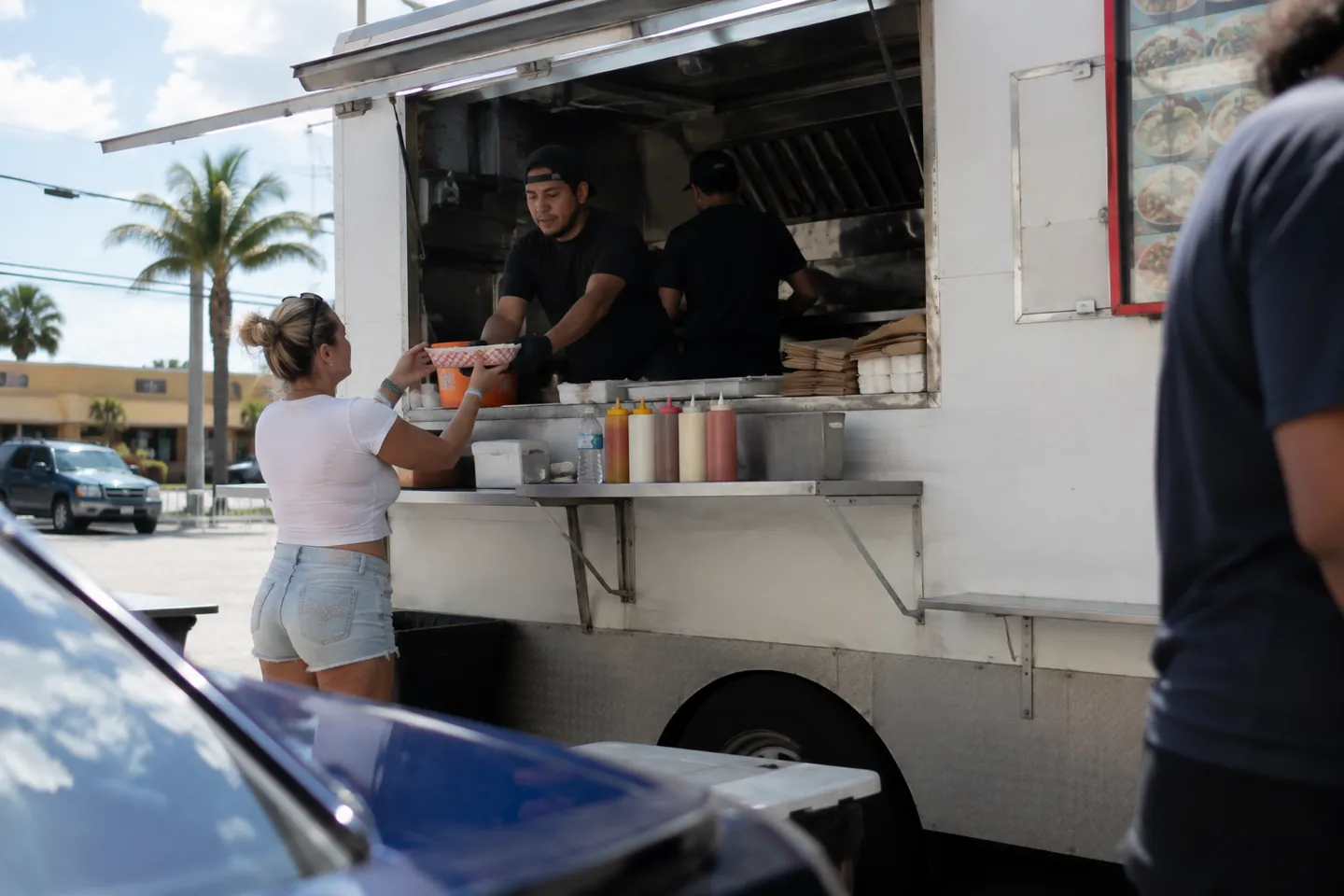
A truck has no room for a bulky register and no time for a slow one. Slimrate runs on a compact terminal, takes contactless payments at the window, and reports every service by day.
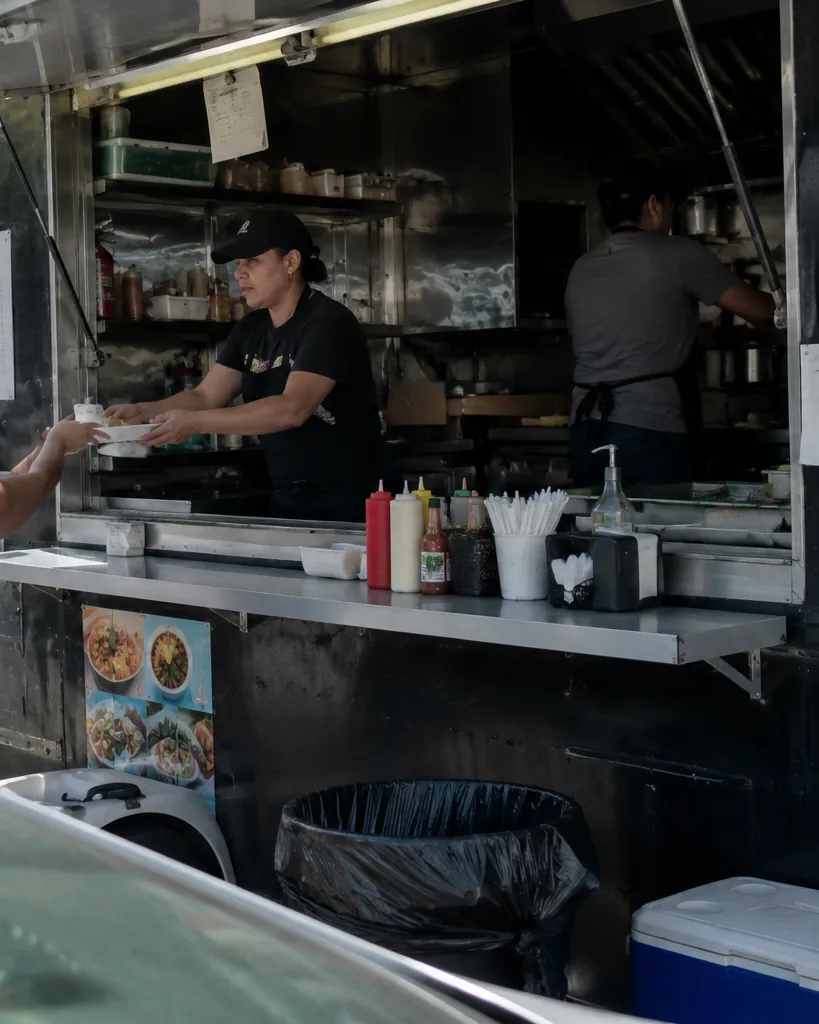
Built around the service window
Walk-up checkout
A short menu with modifiers up front, so an order rings and pays in a few taps.
Explore fast checkoutPayments at the window
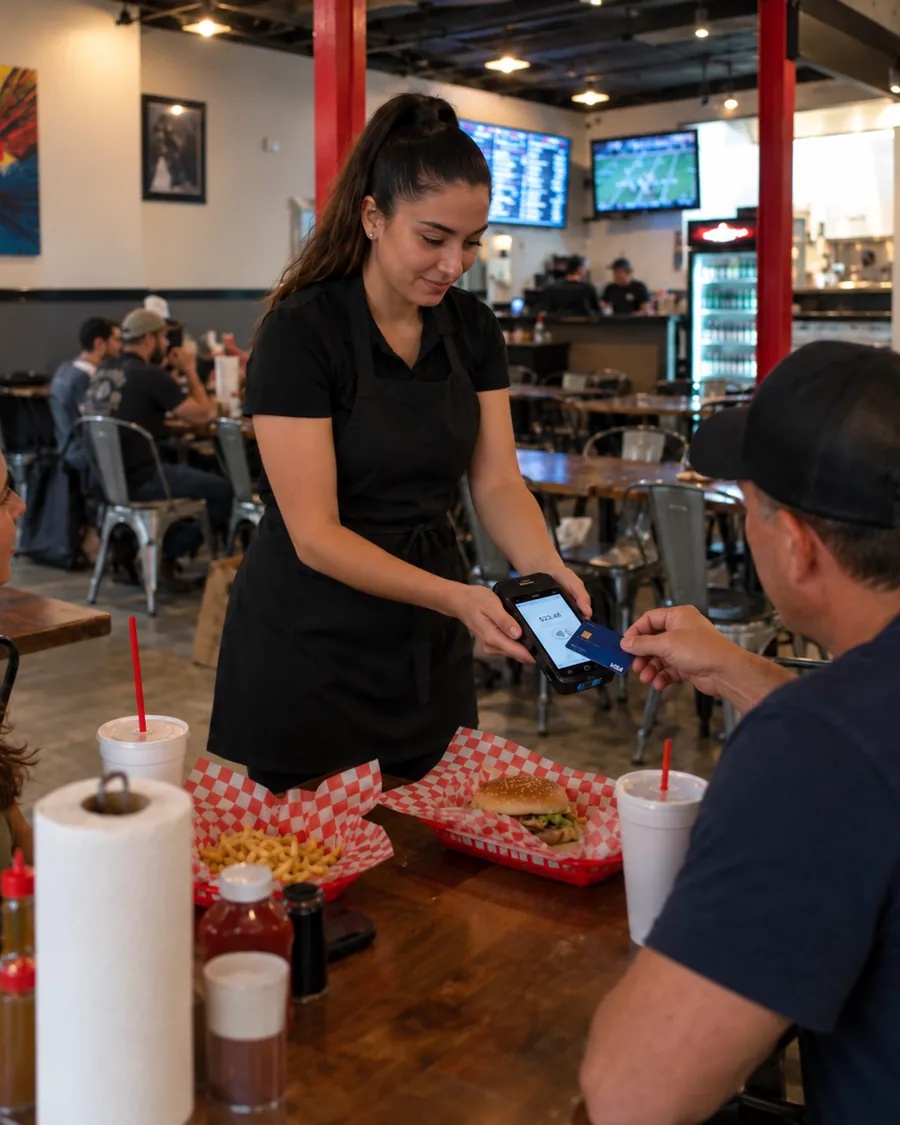
Card and contactless on a payment terminal, cash in the drawer, tips on the receipt.
Explore paymentsCook tickets
Orders print for the cook with modifiers and notes, in the order they came in.
Explore kitchen ticketsMenu per stop
Hide items you did not bring, add a special for the event, change prices from the admin.
Explore inventory managementSmall crew logins
PIN logins per person, so sales and tips are reported by who worked the window.
Explore employee managementReports per service
Sales by day and hour, top items, and payment methods, with a daily report by email.
Explore reporting and analyticsMove the line at the window
The register shows your menu, not a catalog. Items and modifiers are one tap, payment is contactless, and the ticket is already printing for the cook.
- Menu items with required modifiers and notes
- Contactless payment on a handheld or countertop terminal
- Cook ticket prints with every order
- Print the receipt, or email the order to a customer on file
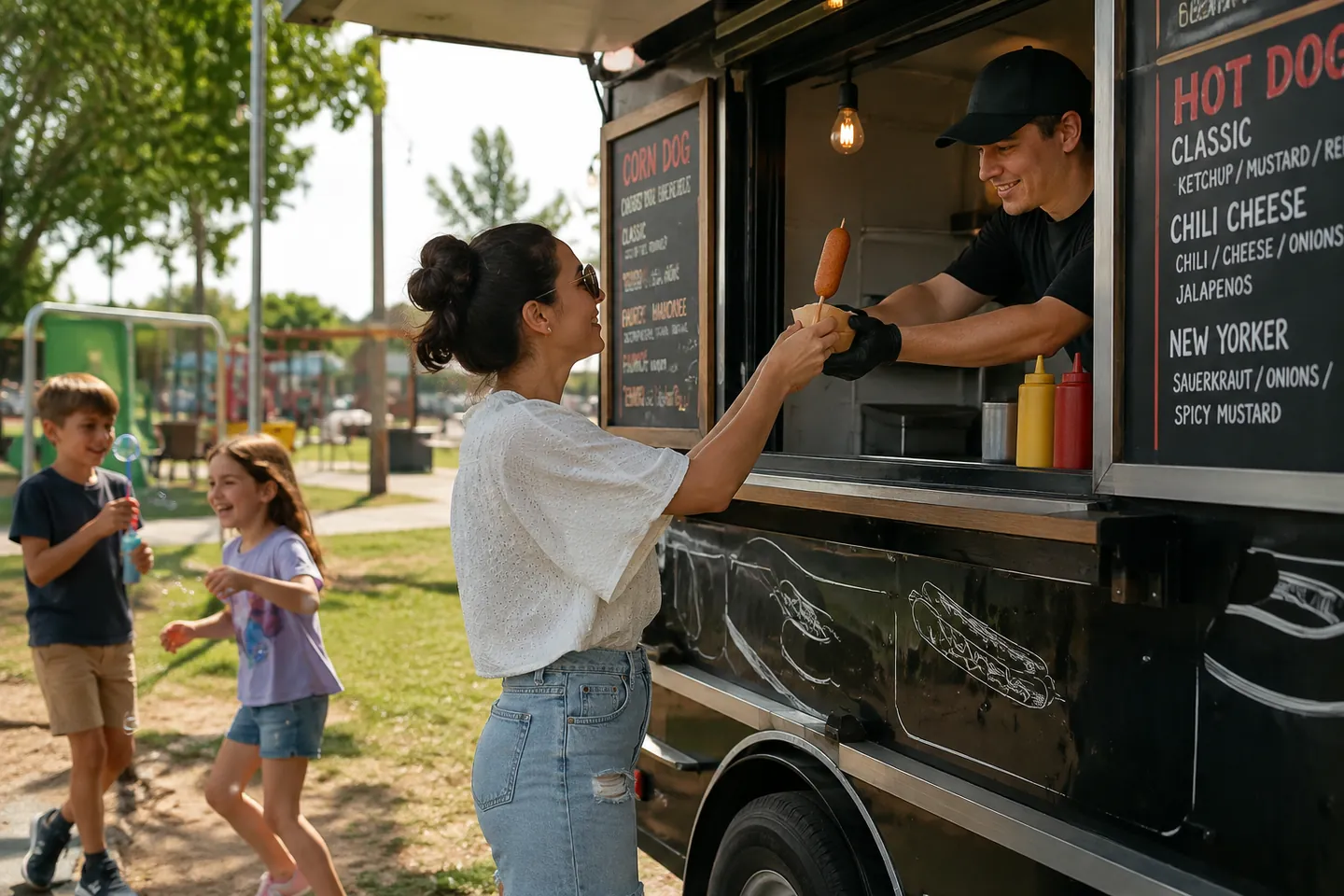
A menu you can change between stops
Prep for a festival or a lunch corner from the admin: hide what you did not load, add the special, adjust a price.
- Recipes behind menu items, so stock counts down through the service
- Custom items for the one-off request
- Sales by product report to see what to prep more of
- Menu lists come in by CSV import
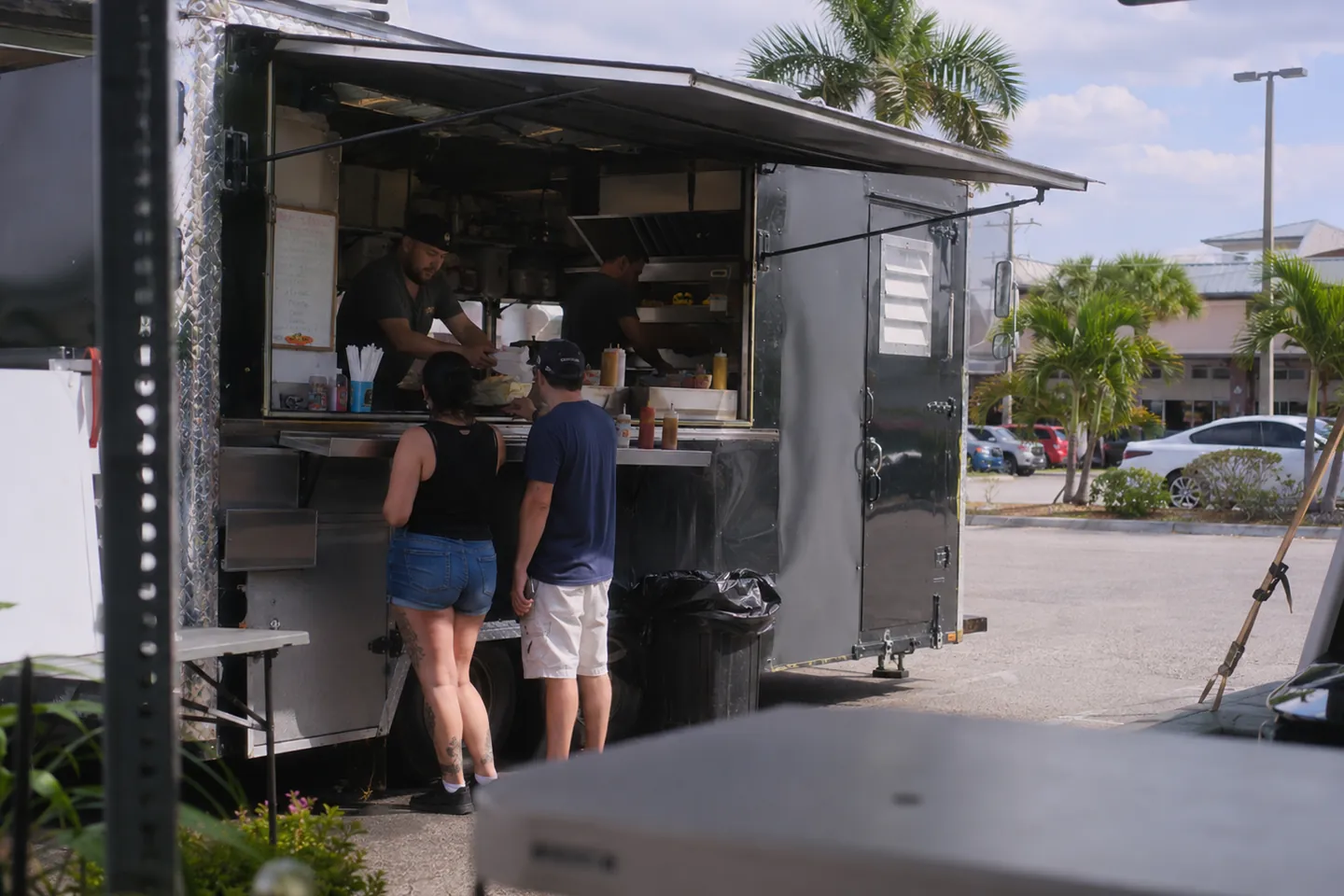
Payments that reconcile after every service
Cards, cash, and tips land on the order and in the report, so the end of the day is a glance, not a count.
- Card and contactless (tap-to-pay) on payment terminals from the Slimrate catalog
- Cash, custom tender types, and dual pricing when you use it
- Full and partial refunds, comps, and voids with a reason on the audit trail
- Sales, tips, and payment methods per day in the daily report
- Customers earn points on every sale and spend them at checkout
Compact hardware for a tight space
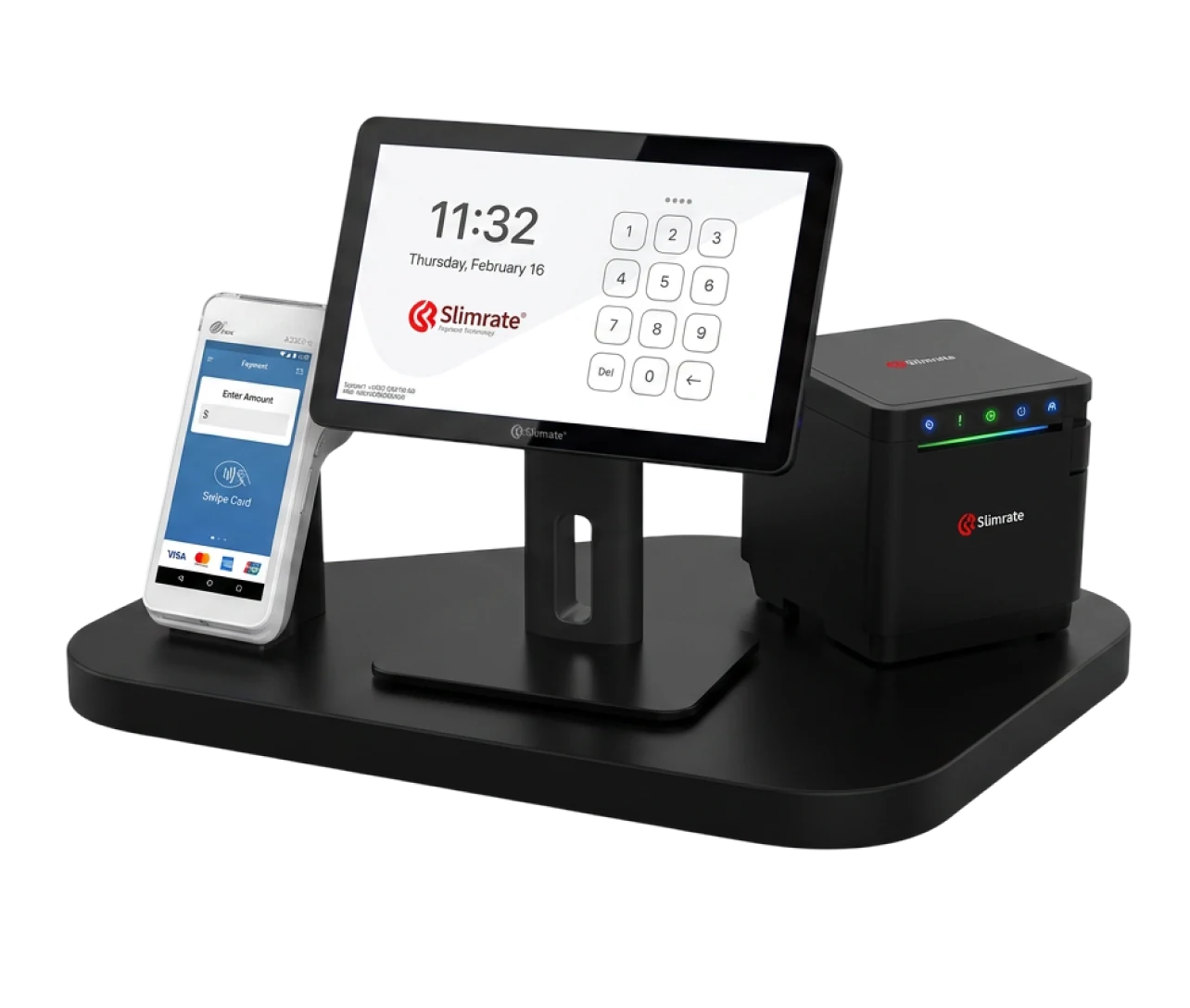
A compact terminal, a payment terminal, and a receipt printer from the Slimrate catalog, chosen for a window shelf and a generator.
- 1 × Compact POS terminal
- 1 × Mobile payment terminal
- 1 × Receipt printer
- Cash drawer, 0-1
- Handheld scanner, 0-1
Switching to Slimrate
Setup is done with you, not handed to you. Four steps from first call to first sale.
Tell us how you sell
Your menu, how the window is staffed, and where you serve, from a fixed corner to weekend festivals.
We build the setup
Your products, categories, taxes, tender types, and printers are configured by the Slimrate team before the hardware ships. Existing product lists come in by CSV import.
Train the team
The crew learns the register on your menu in a short session; the owner learns the admin and reports.
Go live with support
The first services run with the Slimrate team reachable; the daily report lands in your inbox at close.
Food truck POS questions
What hardware fits a truck?
A compact terminal, a payment terminal, and a receipt printer from the Slimrate catalog. A cook printer is optional if the pass needs tickets.
Can we change the menu per event?
Yes. Items, prices, and specials are managed in the admin, so you can hide what you did not bring and add a special before service.
What happens when the internet drops?
During setup we confirm what your payment terminal does when the connection drops and configure the register accordingly, so you know exactly what keeps working.
Which payments can we take?
Card and contactless (tap-to-pay) through payment terminals from the Slimrate catalog, plus cash and any custom tender type you set up. Refunds, comps, and voids are logged with a reason.
Can we see sales per day or event?
Yes. Reports break out sales by day and hour, top items, and payment methods, and a daily report arrives by email.
Ready to build your food truck POS setup?
Tell us about your menu, your window, and where you serve. We will show you checkout, payments, and reports on a live setup.