
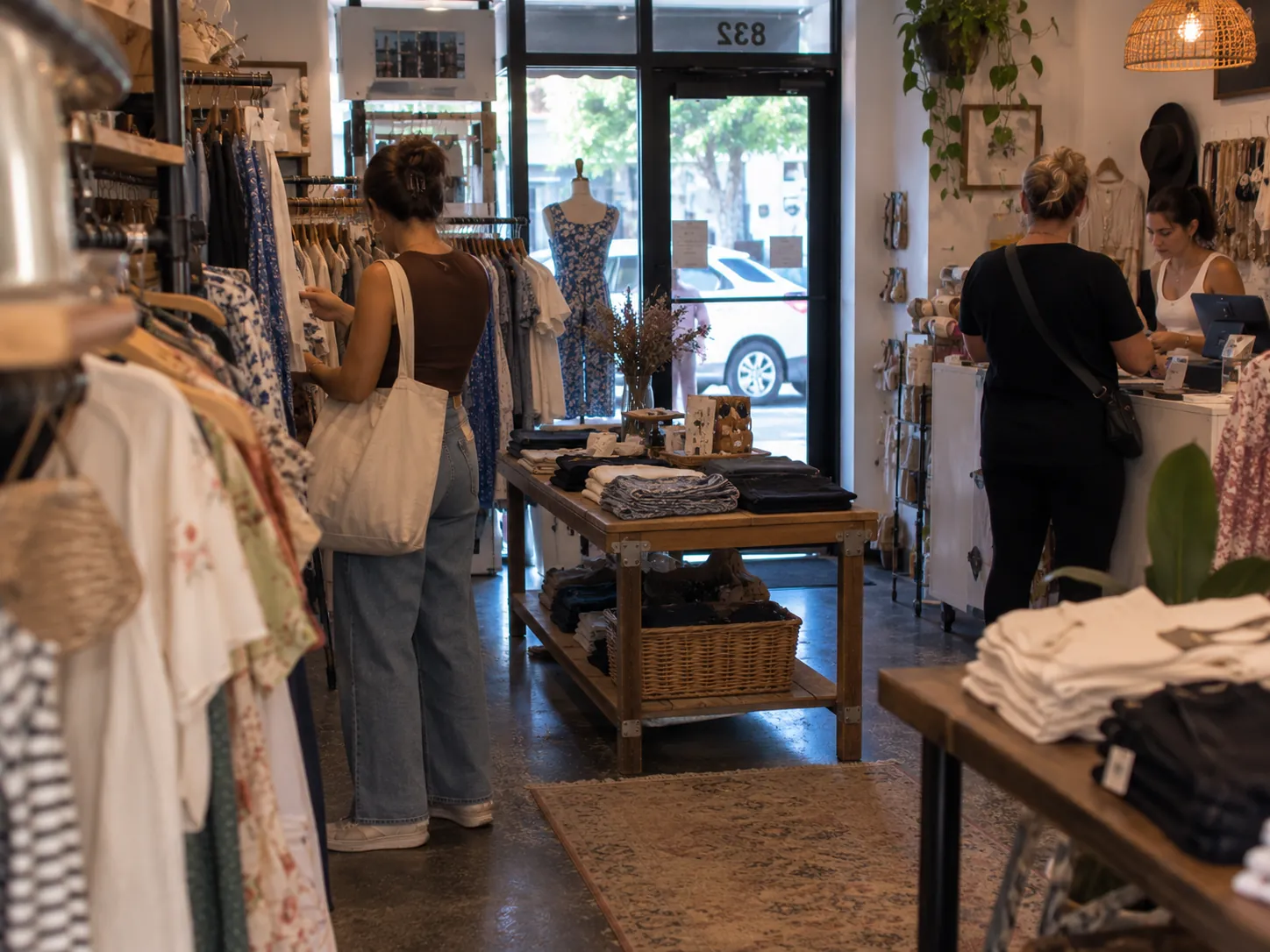
Clothing store POS for sizes, colors, and returns
The same shirt in five sizes and three colors, scanned in one motion. Checkout, returns, and customers for the store that sells by the rack.
Apparel retail lives on variants. Slimrate keeps every size and color as its own SKU, handles the exchange as easily as the sale, and remembers the customer who bought the jacket last season.
Built around the apparel counter
Sizes and colors
Each size and color is its own SKU with its own count, scanned from the tag.
Explore inventory managementFast checkout
Scan the tag, take the card, print the receipt. Search by name for the piece that lost its label.
Explore fast checkoutReturns and exchanges
Full and partial returns against the original sale, limited to the roles you allow.
Explore fast checkoutPayments
Card and contactless at the counter, cash in the drawer, gift cards for the season.
Explore paymentsCustomer profiles
Purchase history, points spent at checkout, and a personal discount for the regular.
Explore loyalty and crmWhat sells
Sales by product, size, and day, so the reorder matches the rack.
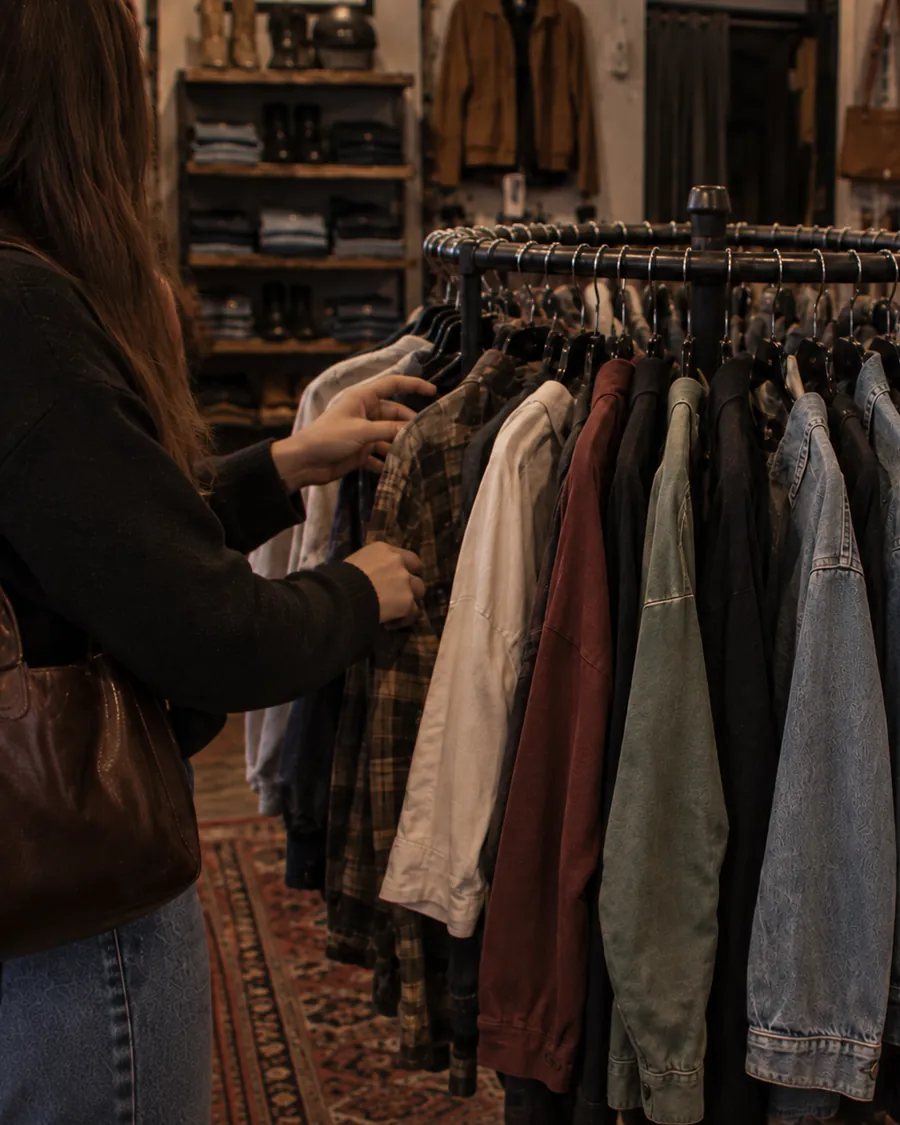
Explore reporting and analyticsEvery size and color counted on its own
A style is a family of SKUs. The register scans the tag to the exact size and color, the count moves for that variant, and the report tells you which sizes sold out first.
- Barcode scanning to the exact size and color
- Search by name or category when a tag is missing
- Sales by product report at the variant level
- Product lists come in by CSV import
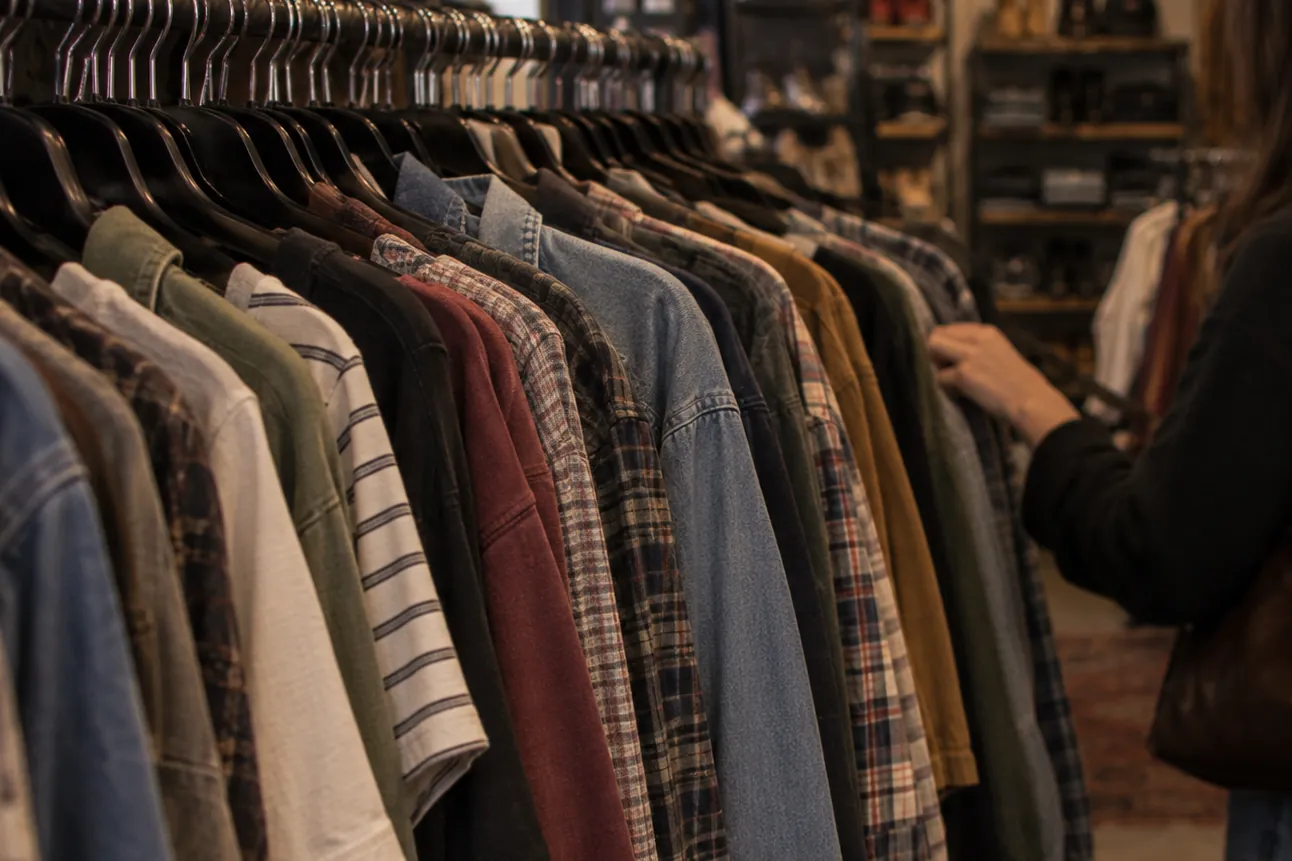
Returns and exchanges without the argument
The original sale is a lookup away. Return the whole ticket or one item, exchange for another size, and put the stock back on the count.
- Full and partial returns against the original sale
- Returns and discounts limited to the roles you allow
- Stock goes back on the count when the item comes back
- Every return logged with a reason on the audit trail
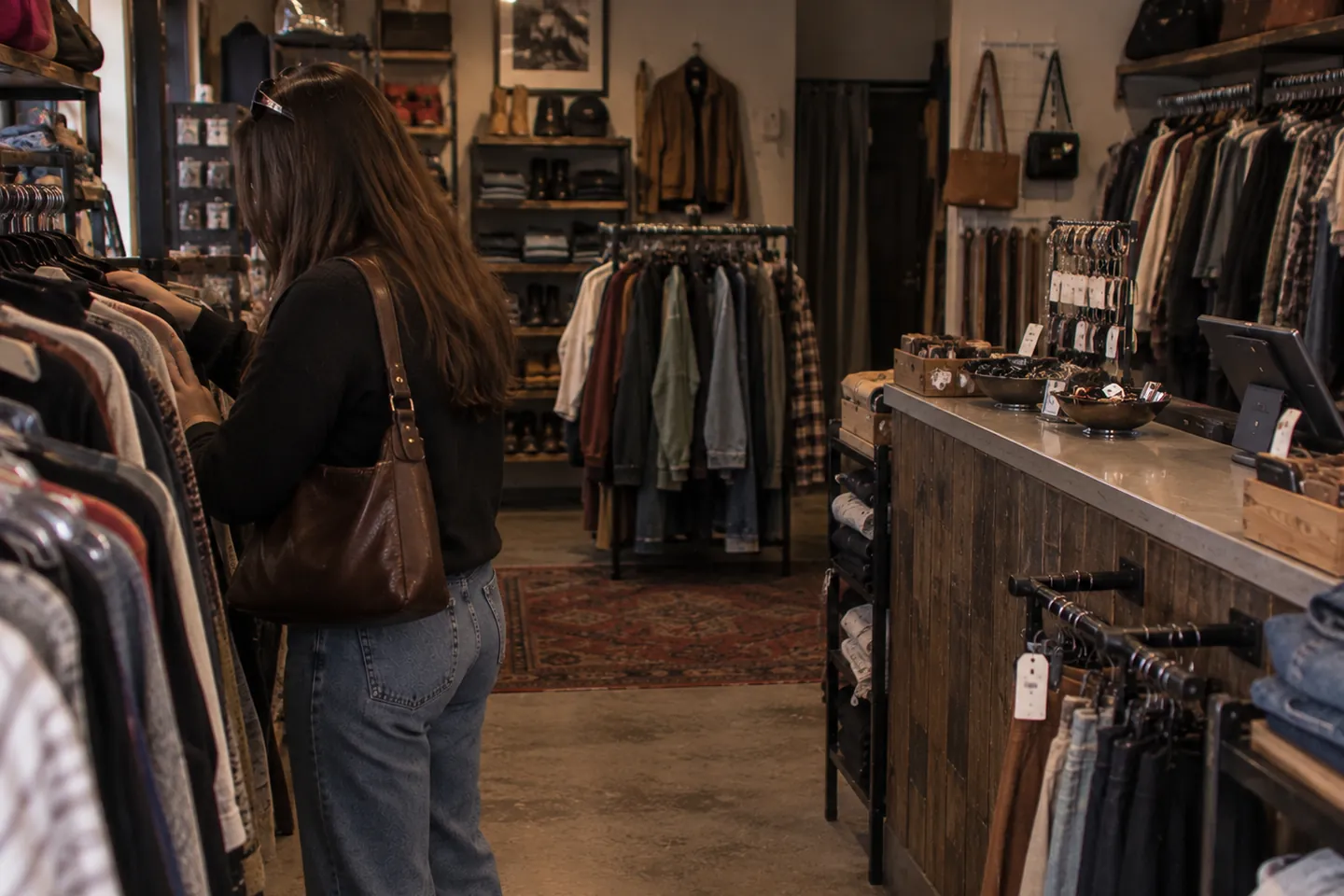
Payments and customers who come back
Cards and gift cards land on the sale; the customer profile keeps the history, the points, and the personal discount.
- Card and contactless (tap-to-pay) on payment terminals from the Slimrate catalog
- Cash, custom tender types, and dual pricing when you use it
- Full and partial refunds, comps, and voids with a reason on the audit trail
- Customers earn points on every sale and spend them at checkout
- Automatic discounts: buy-one-get-one, quantity, category, or scheduled
- Gift cards sold and redeemed at the register by card number
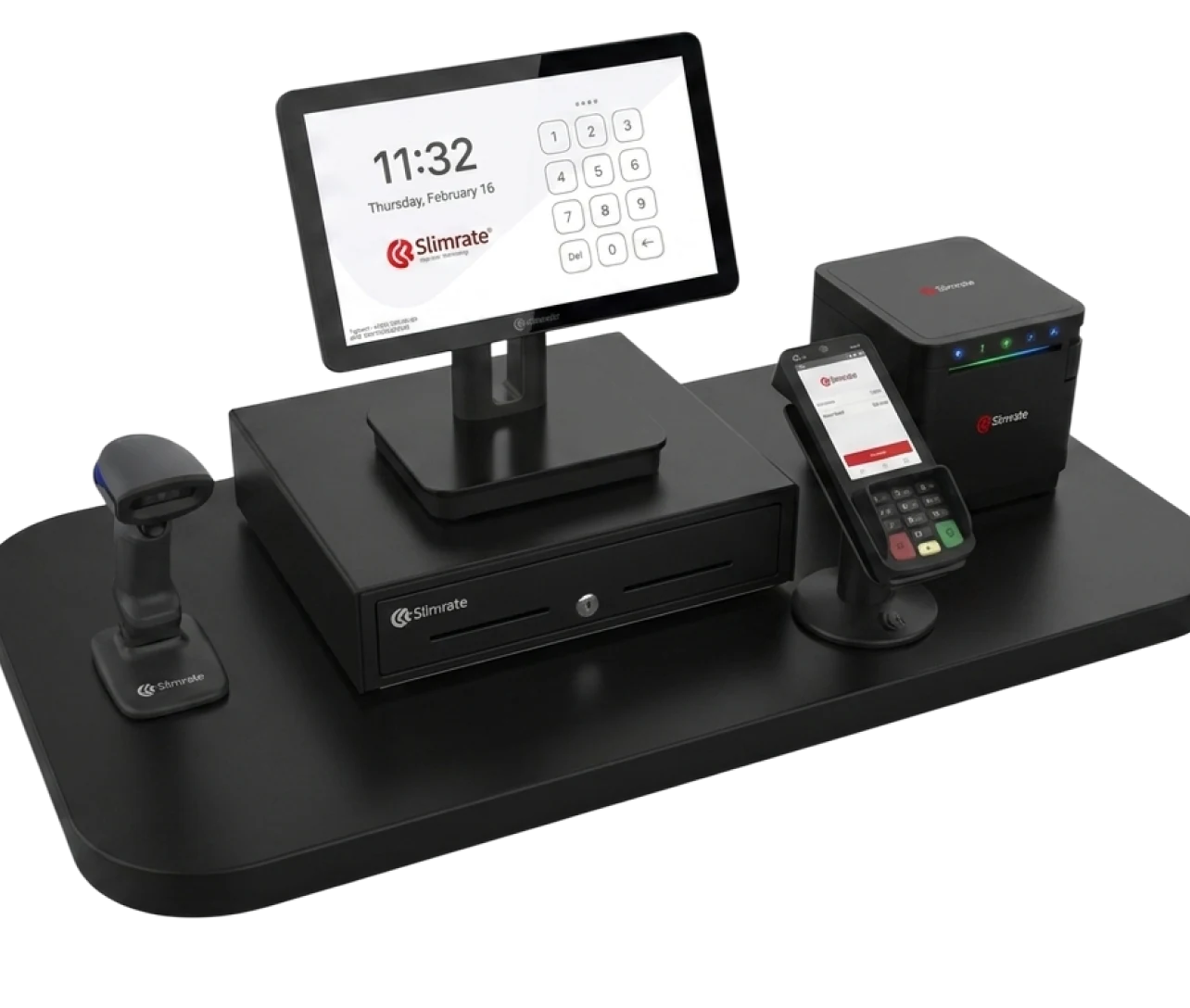
Hardware for the boutique counter
A POS terminal, a payment terminal, a barcode scanner, a receipt printer, and a cash drawer from the Slimrate catalog, chosen to look right on a boutique counter.
- 1 × POS terminal
- 1 × Payment terminal
- 1 × Receipt printer
- 1 × Cash drawer
- Handheld scanner, as needed
Switching to Slimrate
Setup is done with you, not handed to you. Four steps from first call to first sale.
Tell us how you sell
How your styles, sizes, and colors are labeled today, how returns work, and how many registers you run.
We build the setup
Your products, categories, taxes, tender types, and printers are configured by the Slimrate team before the hardware ships. Existing product lists come in by CSV import.
Train the team
Staff learn scanning, returns, and customer lookup on your products; the owner learns stock and reports.
Go live with support
The first days run with the Slimrate team reachable; the daily report lands in your inbox at close.
Clothing store POS questions
How are sizes and colors handled?
Each size and color is its own SKU with its own barcode and count, so the register scans to the exact variant and reports at that level.
How do returns and exchanges work?
The original sale is looked up on the register, the whole ticket or a single item is returned, and stock goes back on the count. Returns can be limited to the roles you allow.
Can regulars earn rewards?
Yes. Customers earn points on every sale and spend them at checkout. Gift cards are sold and redeemed at the register by card number, and a personal discount can be set per customer.
Which payments can we take?
Card and contactless (tap-to-pay) through payment terminals from the Slimrate catalog, plus cash and any custom tender type you set up. Refunds, comps, and voids are logged with a reason.
Do online orders come in?
Orders from a connected WooCommerce or Bottlecapps store land in the admin with the same products and stock as the register.
Ready to build your clothing store POS setup?
Tell us about your styles, your sizes, and your counter. We will show you scanning, returns, and customer profiles on a live setup.